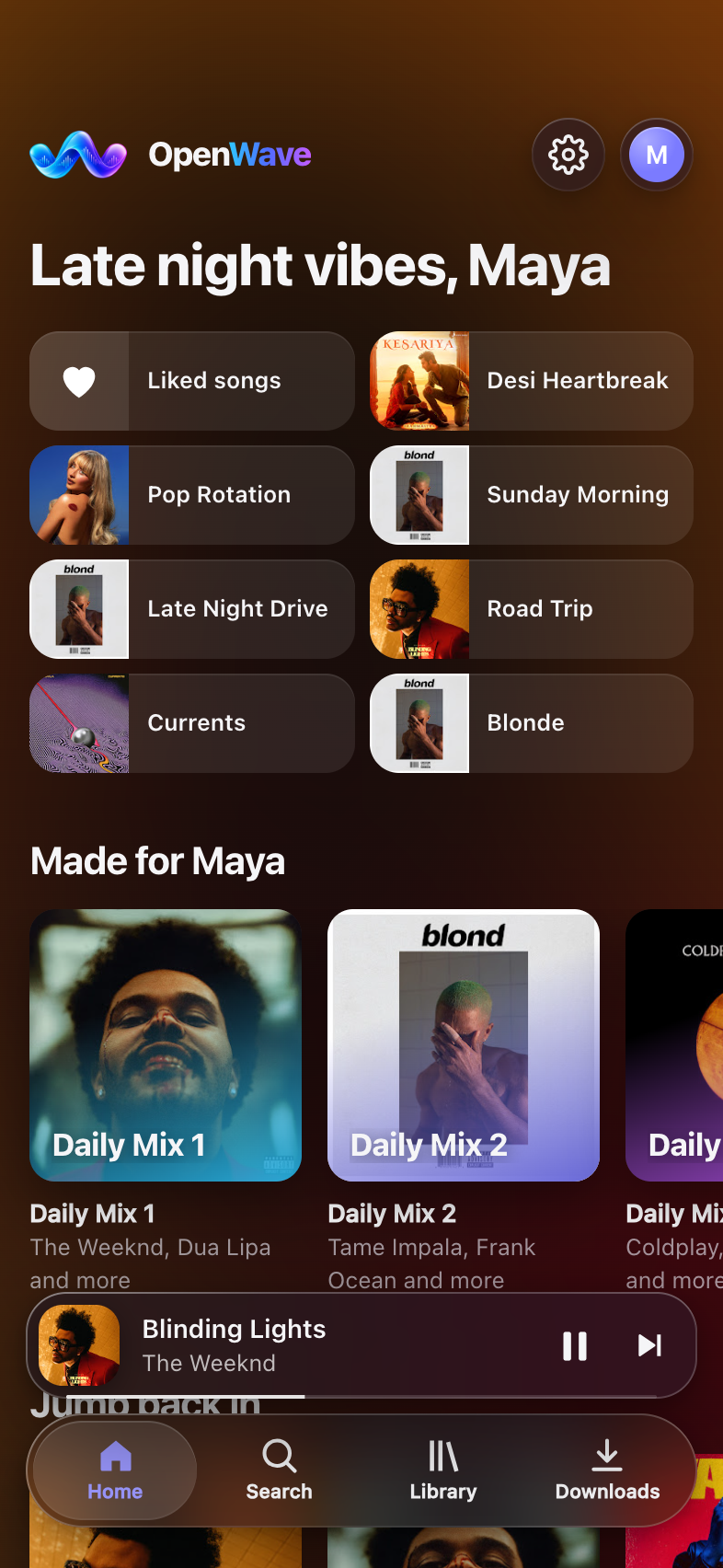
One music app.
Every device you own.
OpenWave is an open-source music player. Search YouTube Music's public catalogue, play it gaplessly, keep your library in sync, and listen together across your Mac, PC and phone.
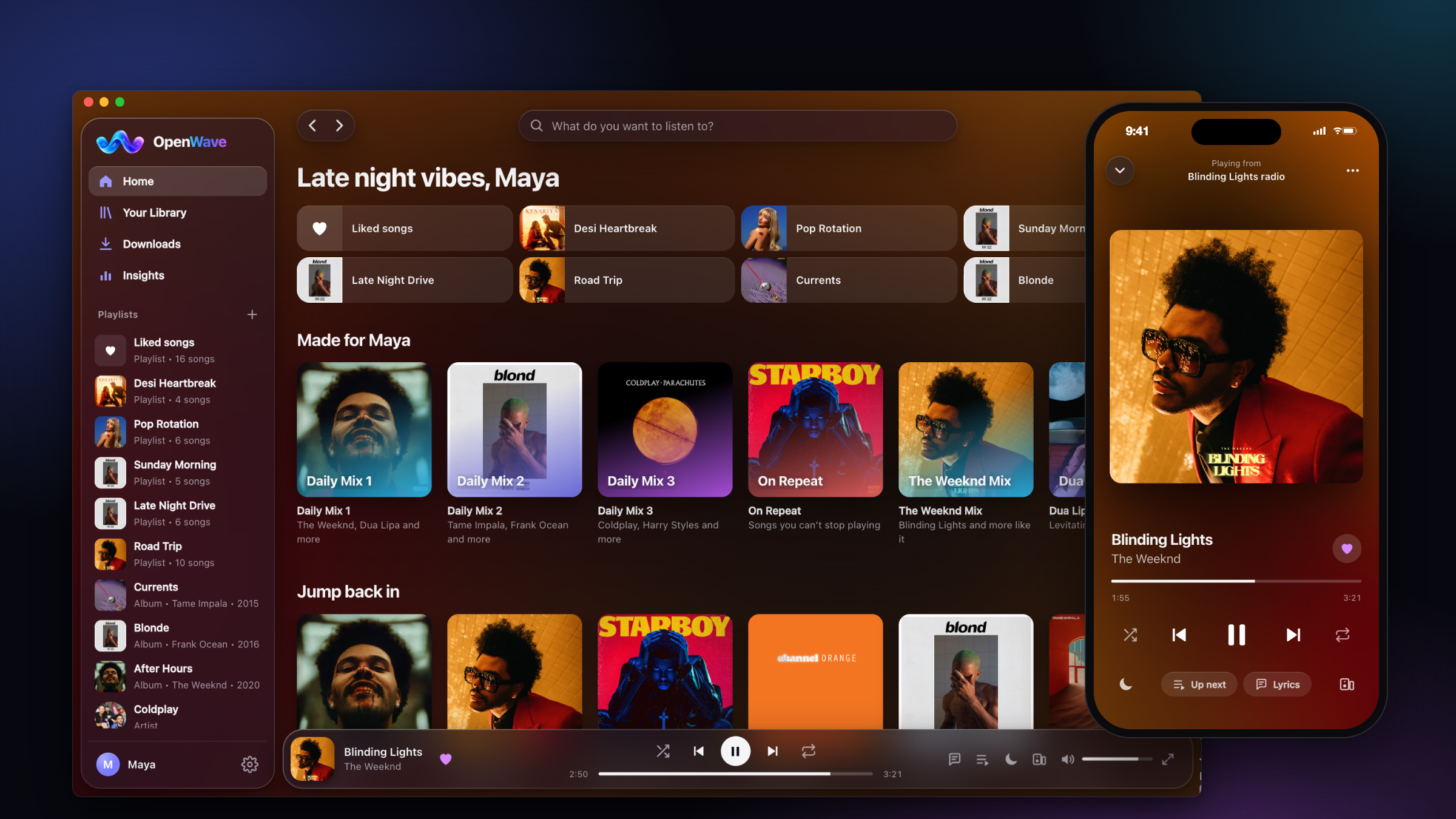
Built for listening, on every device.
A complete music player, built in the open. Non-commercial, with no accounts and no tracking.
Gapless playback
Songs flow into each other, with optional crossfade. Skips are instant.
Songs, never videos
Always the clean audio track. No film dialogue, intros or skits.
Never-ending radio
When your queue ends, music you'll like keeps playing.
Offline downloads
Save albums and playlists and listen anywhere, even with no internet.
Synced lyrics
Lyrics scroll with the song. Tap a line to jump to it.
Bring your playlists
From Spotify, Apple Music, YouTube Music, Amazon Music, Deezer and more. No song limit.
Play on another device
Send the music from your phone to your computer and use the phone as the remote.
Listen together
Friends on your Wi-Fi join in and hear the same song at the same moment.
Shared playlists
Build a playlist with friends and family, each from their own device, anywhere. End-to-end encrypted.
Profiles & sync
Everyone gets their own likes and playlists, synced across devices.
Your year in music
Top artists, top songs, minutes listened, with a card to share.
No accounts, no tracking
No sign-up and no email. Your library stays on your own devices, and nothing reports what you play.
Install in a minute
Pick your device. Everything is free, and the source is on GitHub for anyone to check.
- Download OpenWave-Android.apk on your phone (Android 7 or later, 64-bit).
- Open it and allow your browser to "install unknown apps" when Android asks, then tap Install.
- Open OpenWave. Everything runs on your phone. For automatic updates, add this project to Obtainium.
- Easiest: open Terminal and paste
curl -fsSL https://saisiddharthbs.github.io/OpenWave/install.sh | bashIt picks the right version for your Mac and opens it with no security warning. Or, by hand: - Download for Apple Silicon (M1–M4) or for Intel Macs. Not sure which? Apple menu → About This Mac → "Chip".
- Open the file and drag OpenWave into Applications.
- Open OpenWave. If macOS says it can't verify the app, open System Settings → Privacy & Security, scroll down and click Open Anyway. You only do this once: updates install from inside the app.
- Download OpenWave-Windows-Setup.exe (Windows 10 or 11).
- Run it. If Windows shows "Windows protected your PC", click More info → Run anyway. No admin password is needed.
- Start OpenWave from the Start menu or the desktop shortcut.
- Download OpenWave-Linux-x86_64.AppImage.
- Make it runnable: right-click → Properties → "Allow executing as program", or run
chmod +x OpenWave-*.AppImage. - Double-click it. It opens in its own window (Chrome, Chromium, Edge or Brave needed for the app window).
- Run
docker run -d -p 8787:8787 -v openwave:/data --restart unless-stopped ghcr.io/saisiddharthbs/openwave - Open
http://<server>:8787on any device. Everyone in the house gets a profile. - Phones anywhere: open Settings → Phones → Add a phone and scan the code. No port forwarding needed.
On your phone
Android: install the Android app. It runs everything on the phone, or plays from your computer: scan the code below and share the link to OpenWave. iPhone: play from OpenWave on your computer, anywhere, with the same profiles, playlists and likes. No accounts, nothing to install:
- On the computer, open OpenWave → Settings → Phones → Add a phone. A QR code appears.
- Point your iPhone's camera at it and open the link.
- Add it to your Home Screen: Share → Add to Home Screen. It works at home, at work and on mobile data, and downloads play offline.
Keep the computer on, with OpenWave open, while you listen. On a network that blocks direct connections, Tailscale works too: see the guide.